Cut long pauses and dead air from video
Dead air is the easiest thing to cut and the easiest to over-cut. Superclip removes the long gaps while you think and where a question was asked, and leaves the short pauses that make you sound like yourself: tight, not rushed.
On a real interview
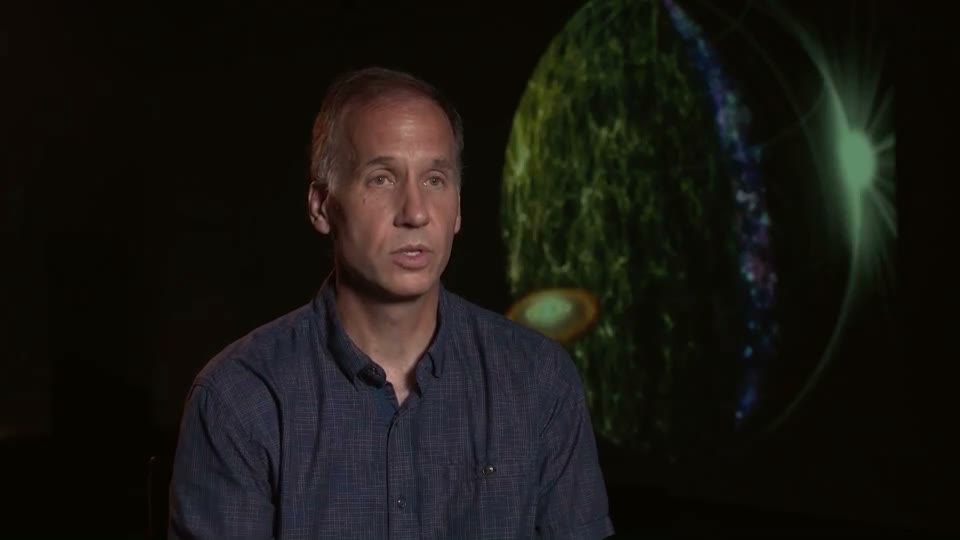
In a 3:11 recorded interview, the first pass found 4 pauses long enough to cut, alongside the fillers and restarts. Every other pause plays as it was recorded.
- 4
- long pauses cut
3:112:59- with the fillers and restarts, nothing said lost
Why not cut every silence?
Most silence removers cut every gap above a threshold. On a talking head that means a jump in the picture at almost every breath, and a voice that never stops for air. Viewers notice both. A pause of a second or so is part of how you speak: it marks the end of a thought, or gives a line room to land.
So Superclip cuts the gaps that read as dead air: long pauses while you think, and the gaps between one answer and the next. The short pauses inside a thought stay. In a clip, where every second counts, the gaps between answers are tightened more. When it cuts, it cuts on the edges of the words around the gap and smooths the sound across the join, so there’s no click or breath cut in half.
Tighter or looser, by asking
Pacing is taste. If it feels too relaxed, say “tighten the pauses”. If a pause mattered, say “keep the pause before the welcome”. Each change is a new version you can compare with the last or undo. The same pacing carries into every clip made from the recording.
How it works
- Upload the recording
Any talking-head video: a lesson, an interview, a video for your channel.
- It measures every gap
Each word gets its own timing, so every pause between them has an exact length.
- It cuts the dead air
Long pauses and the gaps between answers are cut on the word edges, with the sound smoothed at each join.
- You adjust the pace
“Tighten the pauses” or “keep that pause”, and it makes a new version.
Try it on your own video.
Superclip is invite-only for now. $59/month for 25 clips once you're in.