An AI video editor for talking-head video
Drop in a recording of yourself talking to camera. Superclip cuts the ums, restarts and dead air, evens out the colour and sound, and makes captioned shorts from the same footage. Then you tell it what to change.
What it did with one interview
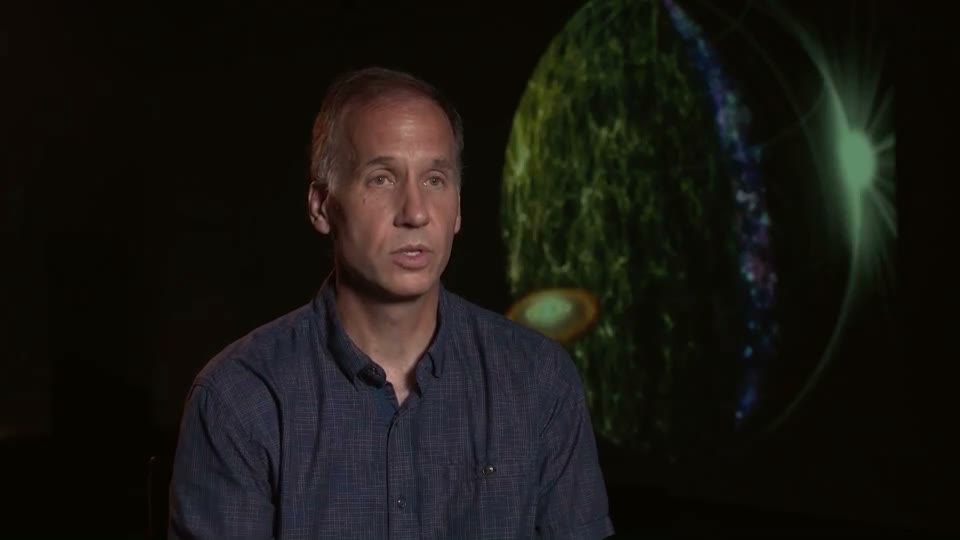
We gave Superclip a recorded interview and one line of direction, typed the way a creator would: “An interview for my channel. Keep the part about water and the ingredients for life. Curious, upbeat.” Nothing below was touched up by hand. It is the first version the run produced.
3:112:59- the long cut, with every answer kept
- 22
- cuts: 11 fillers, 7 restarts, 4 long pauses
- 3
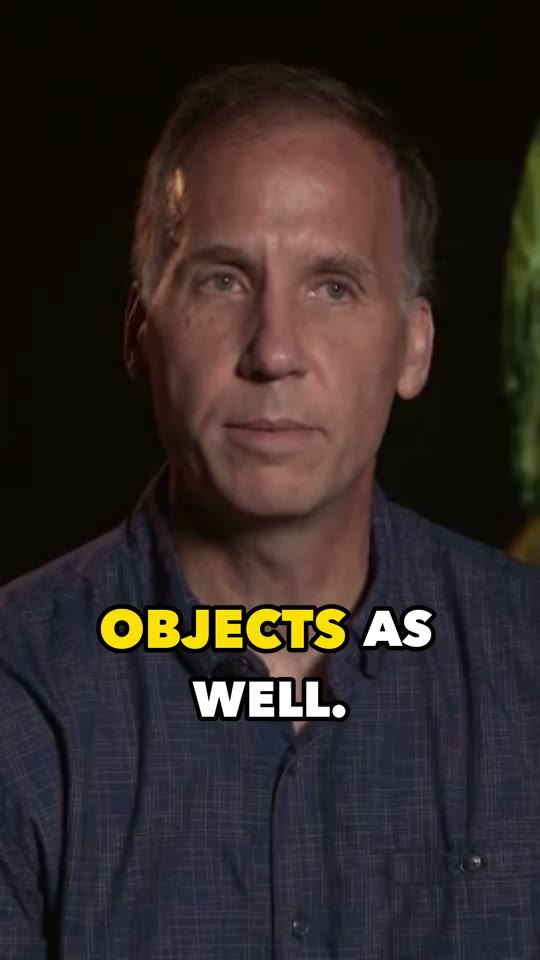
- captioned 9:16 shorts, plus one 16:9 highlight
- -27.6 → -14.3
- LUFS: quiet dialogue brought up to streaming loudness
Why talking-head video needs its own editor
Most of the work in a talking-head edit isn’t creative. It’s finding every “um”, every sentence you started twice, every pause while you thought of the next point, and cutting each one so the jump doesn’t show. On a ten-minute recording that’s dozens of cuts, and it’s the part most creators put off.
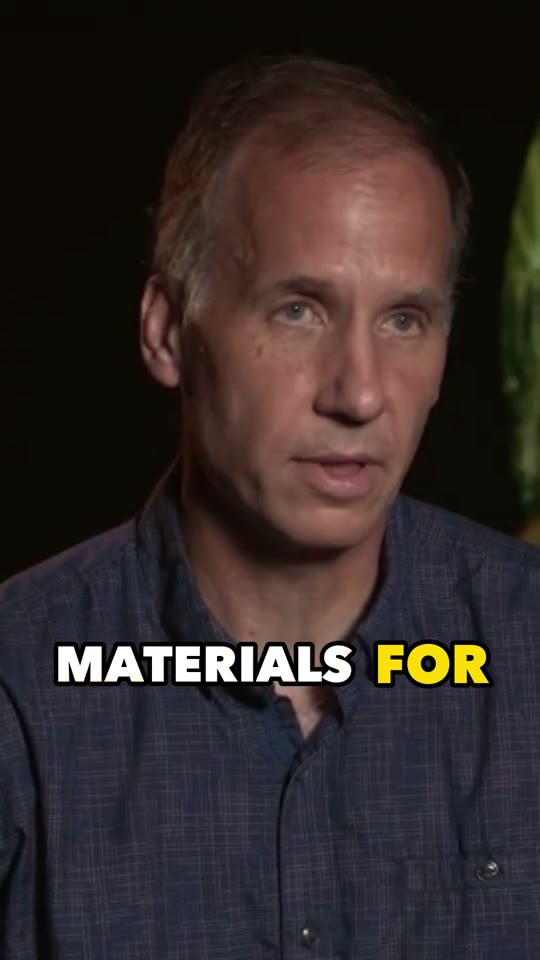
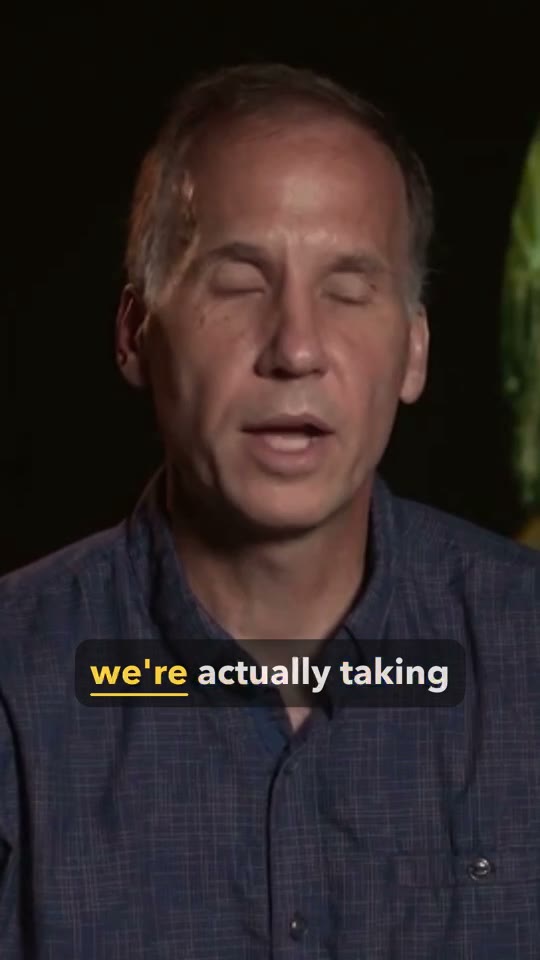
Superclip does that part from the transcript, word by word, and shows you why it made each cut. A restart keeps the cleaner take. The gap between two answers goes, and the answers stay whole. In this interview it heard the speaker restart on “in, in, in” and kept the last one:
- comets and
umasteroids are coming into the inner solar systemininin - we can study
thethe imprints of galaxy formation on large scales.
How it works
- Drop the video
One recording, straight from the camera or your screen recorder. Say what it's for in a line if you like: who it's for, what to keep, the mood.
- It watches, listens and plans
It transcribes every word, finds the fillers, restarts and pauses, follows your face for the vertical crop, and picks the moments that stand on their own as shorts.
- You get the whole set
A tightened long cut, captioned 9:16 shorts, a title, description and hashtags for each, and thumbnails to pick from. Colour and sound are evened out across all of it.
- Direct the changes
Type or say what you want different (“start on ‘here’s the thing’”, “bigger captions”, “warmer”) and it makes a new version you can compare with the last.
Colour and sound, once for the whole video
Talking-head footage is often recorded quietly, and lit a little differently from one session to the next. Superclip balances the colour of every shot to one look, and cleans the dialogue: it filters out low rumble and steady hiss, evens out the level, and brings it to the loudness YouTube and the short-form apps play at. This interview’s dialogue went from -27.6 LUFS to -14.3, so nobody has to turn it up.
Who it’s for
Anyone who talks to camera and publishes the result: YouTubers, educators and course creators, coaches, founders posting on LinkedIn, and anyone turning an interview into clips. If you record yourself and dread the edit, it’s for you.
Your video stays yours. We use it only to make your edit, and it’s never used to train AI models.
Try it on your own video.
Superclip is invite-only for now. $29/month after a 3-day trial once you're in.