Remove filler words from video, automatically
Superclip reads your video word by word, finds every “um”, “uh”, restart and long pause, and cuts it from the video itself, not just the captions. You see each cut and why it was made.
Every cut in a real interview
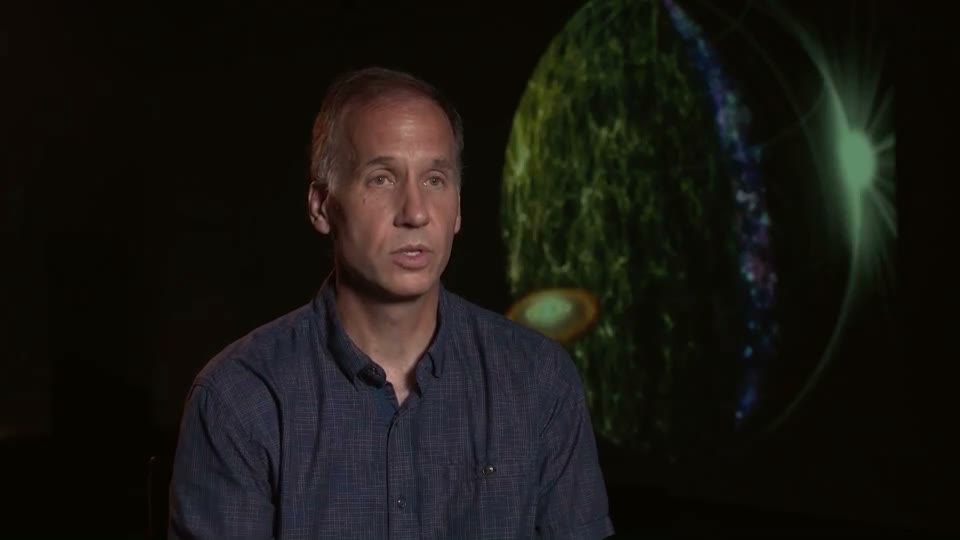
Here are lines from the transcript of a 3:11 recorded interview, exactly as it was cut on its first pass. The struck words are gone from the video.
- SPHEREx is unique because it
umdoes something that hasn't been done before. - the first black holes to light up in the center of galaxies
uhin theearlyearly times - comets and
umasteroids are coming into the inner solar systemininin - we can study
thethe imprints of galaxy formation on large scales.
- 11
- fillers cut: ums and uhs
- 7
- restarts cut: a word said twice, the cleaner one kept
- 4
- long pauses between answers removed
3:112:59- the whole interview, nothing said lost
Three kinds of cut
Fillers
“Um”, “uh” and their cousins, found in the transcript and cut on the word’s own timing, so the sentence around them still flows. A filler that carries meaning (a deliberate pause, a laugh) can be put back by asking for it.
Restarts
When you start a word or phrase twice (“the, the imprints”, “in, in, in the inner solar system”), Superclip cuts the false starts and keeps the cleaner take. This is the cut that takes longest by hand, because you have to listen for it.
Dead air
Pauses while you think, and gaps where an interviewer’s question was, are tightened. Short natural pauses stay, so you don’t sound rushed. If it’s too tight, say “keep the pause before the welcome” or “tighten the pauses” and it makes a new version.
How it works
- Upload the recording
A talking-head video, an interview or a screen recording with your voice. No transcript needed.
- It transcribes and marks the cuts
Every word gets its own timing. Fillers, restarts and long pauses are marked, each with its reason.
- It cuts the video
The cuts are made on the video and audio, with the sound smoothed at each join, and the same cuts carry into your shorts and captions.
- You check and adjust
Bring back anything you wanted (“put back the line about labels”) or cut more (“cut the first sentence”). Every change is a new version you can compare or undo.
Why not just delete the words from the captions?
Many tools can hide filler words in the subtitles. That leaves them in the audio, and viewers still hear every “um”. Superclip removes them from the footage, then writes the captions from what’s left, so the two always match.
Try it on your own video.
Superclip is invite-only for now. $29/month after a 3-day trial once you're in.