Auto reframe video to 9:16 for Shorts, Reels and TikTok
Cropping a 16:9 recording to 9:16 keeps about a third of the frame; the question is which third. Superclip follows the speaker’s face through each clip and frames the vertical crop on them, with captions placed where the face and the app’s buttons won’t cover them.
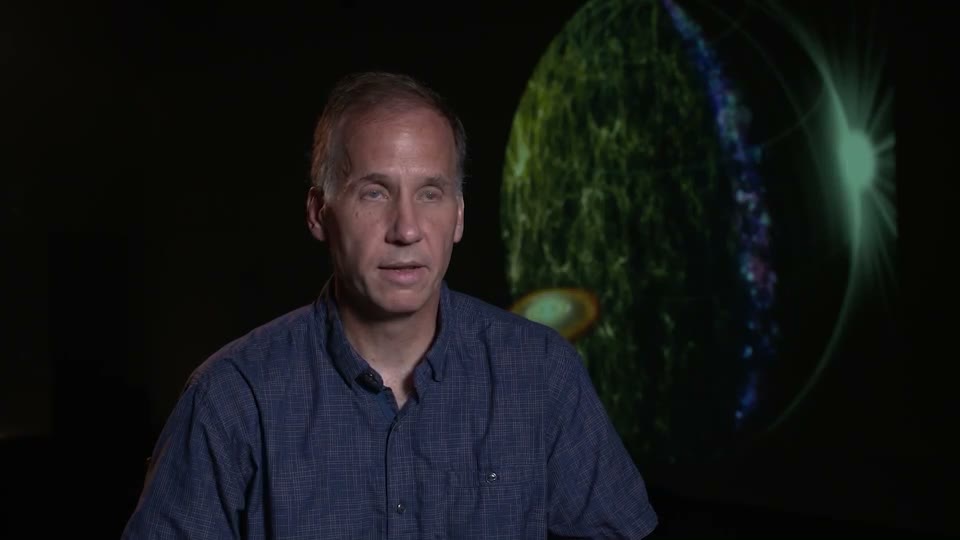
And the three vertical shorts Superclip made from it, each framed on the speaker:
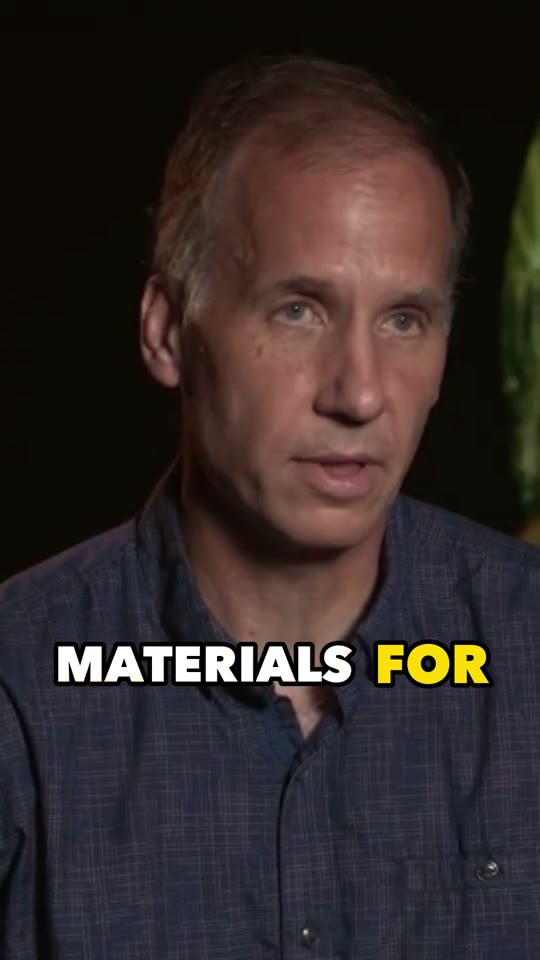
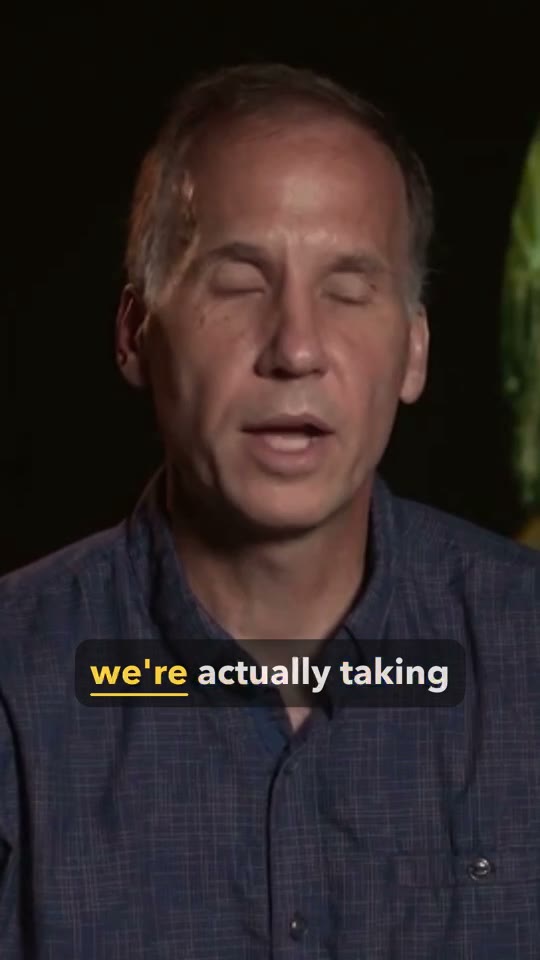
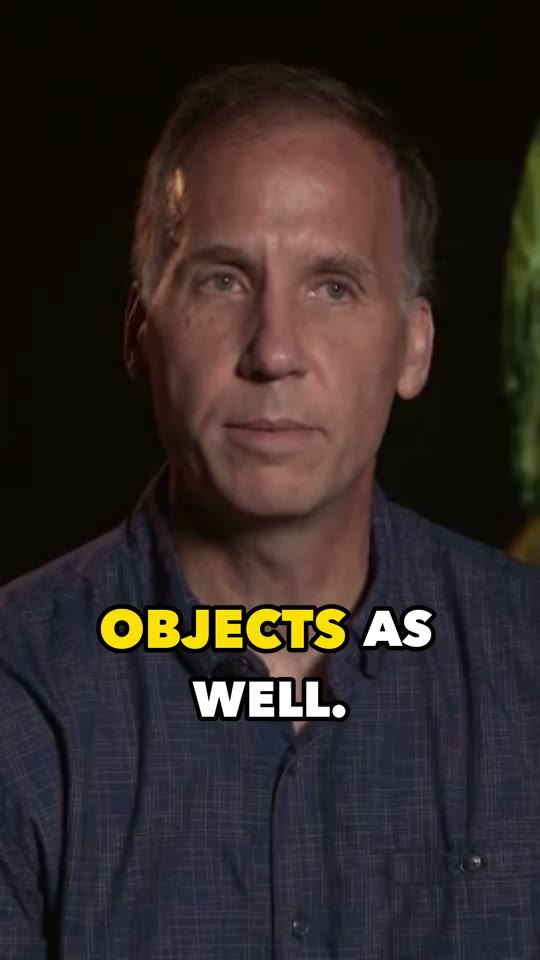
Following the speaker, gently
A crop that tracks every small movement makes the picture swim. Superclip finds the face in every shot, then plans a smooth path for the crop: it holds still while you shift in your seat, moves only when you really move, and never faster than a camera operator would. At a cut it can jump straight to the new position instead of sliding across.
You choose how close: tight, medium or wide. If you’d rather it didn’t move at all, say “stop following my head” and it holds one framing for the whole clip, where your face mostly is.
Captions where people can read them
TikTok, Reels and Shorts put their buttons, captions and handles over the edges of the video. Superclip keeps the captions inside the area those apps leave clear, as low as they safely go. If that would put them over your face, they move just below it.
Two people on camera
The crop follows one face at a time. For an interview where both people share the frame, ask for a wider framing to keep more of the room in, or make a clip from the stretch where one person is speaking.
How it works
- Upload a landscape recording
A webinar, a podcast, a video from your channel.
- It finds the face in every shot
Shot changes are detected, and the speaker is tracked through each one.
- It plans the crop
A smooth 9:16 path that follows you without swimming, placed fresh at every cut.
- You change the framing
“Frame it tighter”, “wider”, “stop following my head”: each is a new version.
Try it on your own video.
Superclip is invite-only for now. $59/month for 25 clips once you're in.